Calloop: Color Phone Flash
Publisher Description

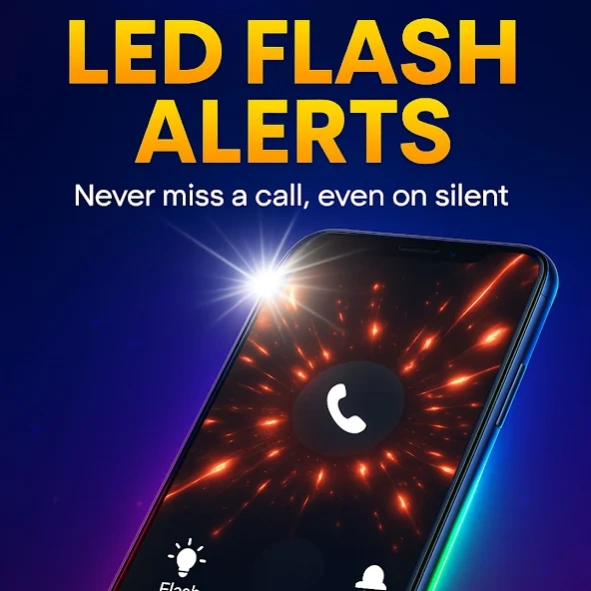


Customize your call screen with color themes and flash alerts
Calloop – Color Call Themes & Flash Caller ID
Tired of the same boring call screen? ✨
Calloop makes every incoming call colorful, bright, and unique with:
🎨 HD Color Call Themes – full-screen designs that transform your caller screen.
💡 Flash & Edge Lighting Alerts – never miss a call thanks to rhythmic LED flashes.
🔔 Personal Ringtones – assign tones to your favorite contacts.
🛡️ (Coming soon) App Locker – protect apps with PIN or pattern.
🌆 (Coming soon) Matching Wallpapers – extend the style across your phone.
Why choose Calloop?
✔️ Stand out with stylish, vibrant call screens.
✔️ Stay notified with LED flash alerts even on silent mode.
✔️ Personalize every call to match your vibe.
How it works
Install Calloop from Google Play.
Pick your favorite call theme.
Add flash alerts and set custom ringtones.
Enjoy unforgettable incoming calls!
👉 With Calloop, every call becomes unforgettable – bright, colorful, and impossible to miss.
About Calloop: Color Phone Flash
The company that develops Calloop: Color Phone Flash is Walloop. The latest version released by its developer is 1.0 .
To install Calloop: Color Phone Flash on your Android device, just click the green Continue To App button above to start the installation process. The app is listed on our website since 2025-08-28 and was downloaded 3 times. We have already checked if the download link is safe, however for your own protection we recommend that you scan the downloaded app with your antivirus. Your antivirus may detect the Calloop: Color Phone Flash as malware as malware if the download link to com.luzapplications.alessio.calloop is broken.
How to install Calloop: Color Phone Flash on your Android device:
- Click on the Continue To App button on our website. This will redirect you to Google Play.
- Once the Calloop: Color Phone Flash is shown in the Google Play listing of your Android device, you can start its download and installation. Tap on the Install button located below the search bar and to the right of the app icon.
- A pop-up window with the permissions required by Calloop: Color Phone Flash will be shown. Click on Accept to continue the process.
- Calloop: Color Phone Flash will be downloaded onto your device, displaying a progress. Once the download completes, the installation will start and you'll get a notification after the installation is finished.
